

Terug naar casestudies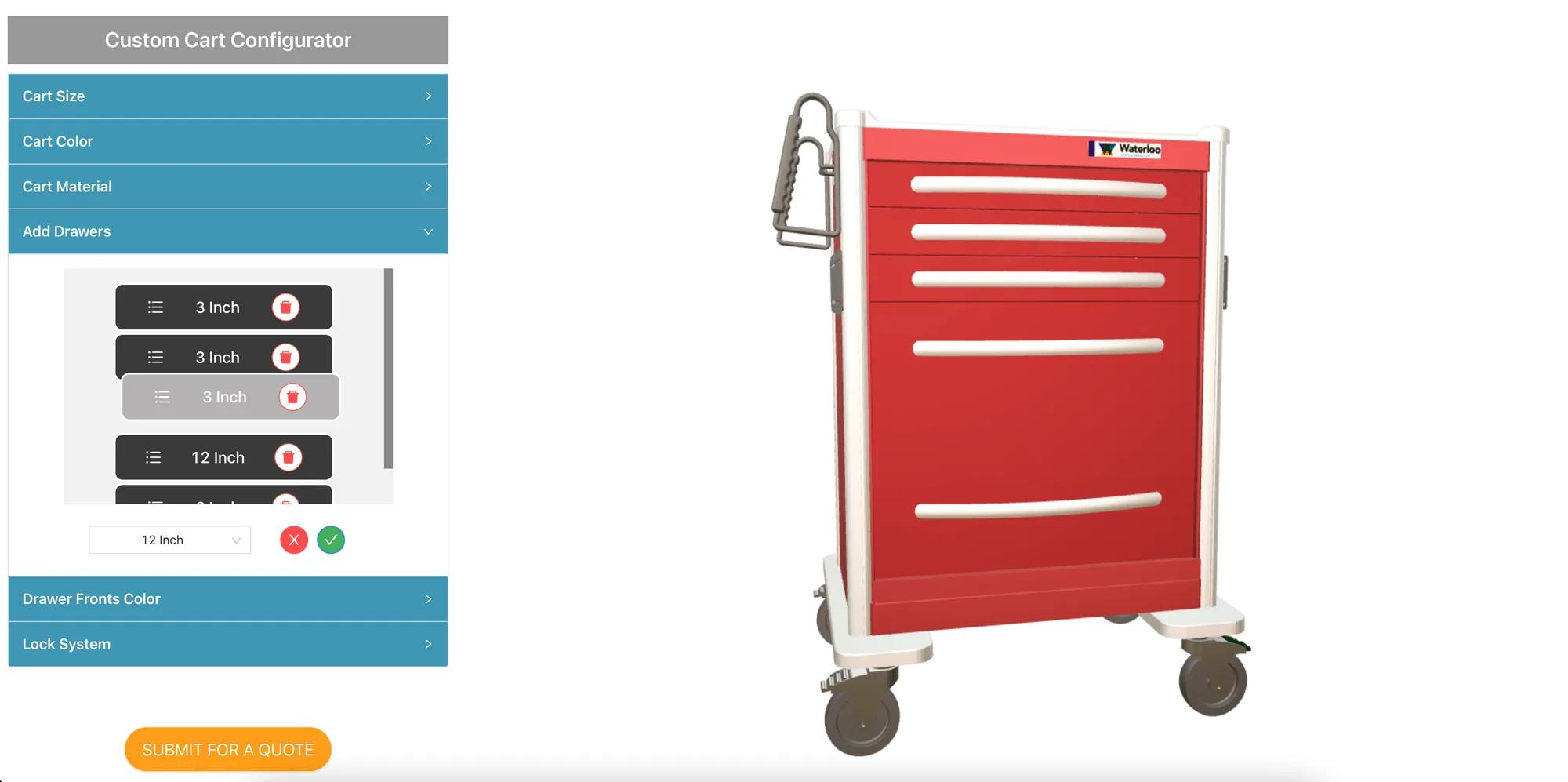
Healthcarehealthcarequotingpdfmanufacturing
Waterloo Healthcare: building a hospital cart in 3D
Waterloo Healthcare·
Waterloo Healthcare has manufactured steel and aluminium procedure carts for hospitals for over 50 years. Headquartered in Phoenix, Arizona, the company supplies specially designed hospital carts available in a wide range of options.
That range is the problem a configurator solves: a procedure cart is specified drawer by drawer, and every hospital wants a different arrangement.
An online tool that allows customers to configure their products, and to download the specifications and images of the configured product.
Users needed to add, remove and rearrange drawers — the defining choice on a procedure cart.
The configurator had to generate a PDF document with the product information for the configured cart.
Completed configurations had to reach the company as enquiries received by email.
Users also needed to change colours, frame type and the locking system.
The company wanted a second version for internal customer service staff, so they could produce custom renderings to send with quotes.
The build used the basic modules in the Simplio3D SEL library, enabling real-time 3D visualisation, a PDF generator, and the ability to create snapshots for images. Product options let customers change the type of cart, the colour and the locking system, and drag to rearrange the drawers as desired.
The client supplied CAD files, which were processed and exported to .gltf for the best rendering performance. Emails were triggered from the configurator by connecting to an email web service through its API.
The customer selects the cart type and size to start from.
Frame type, frame colour and drawer colour are chosen and shown on the model.
Drawers are added, removed and dragged into the arrangement the department needs — the decision that defines the cart.
The locking system is selected, which on a hospital cart is a specification requirement rather than a preference.
The configurator saves an image, generates a PDF with the product information, and submits it for a formal quote directly from the website.
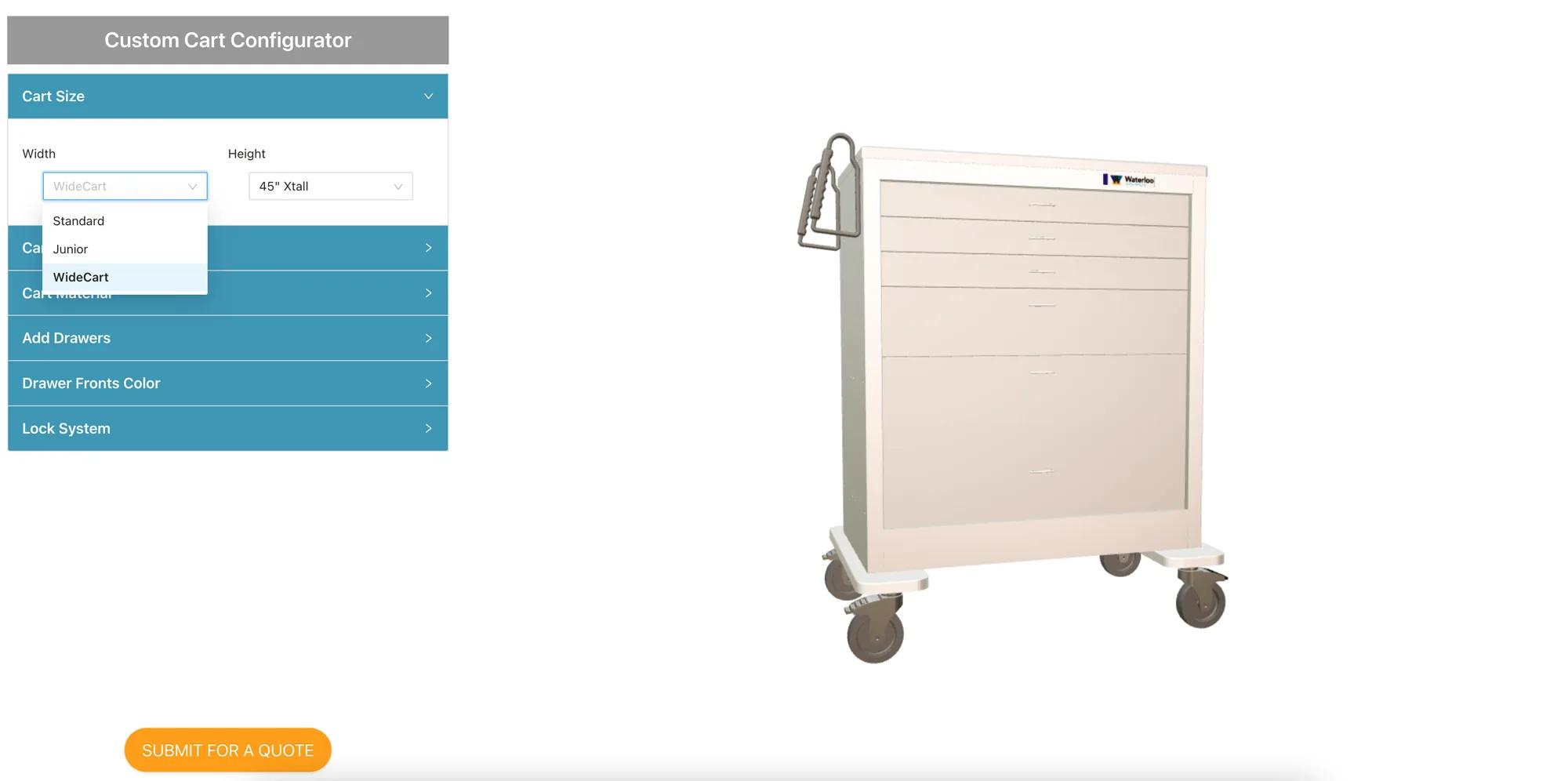
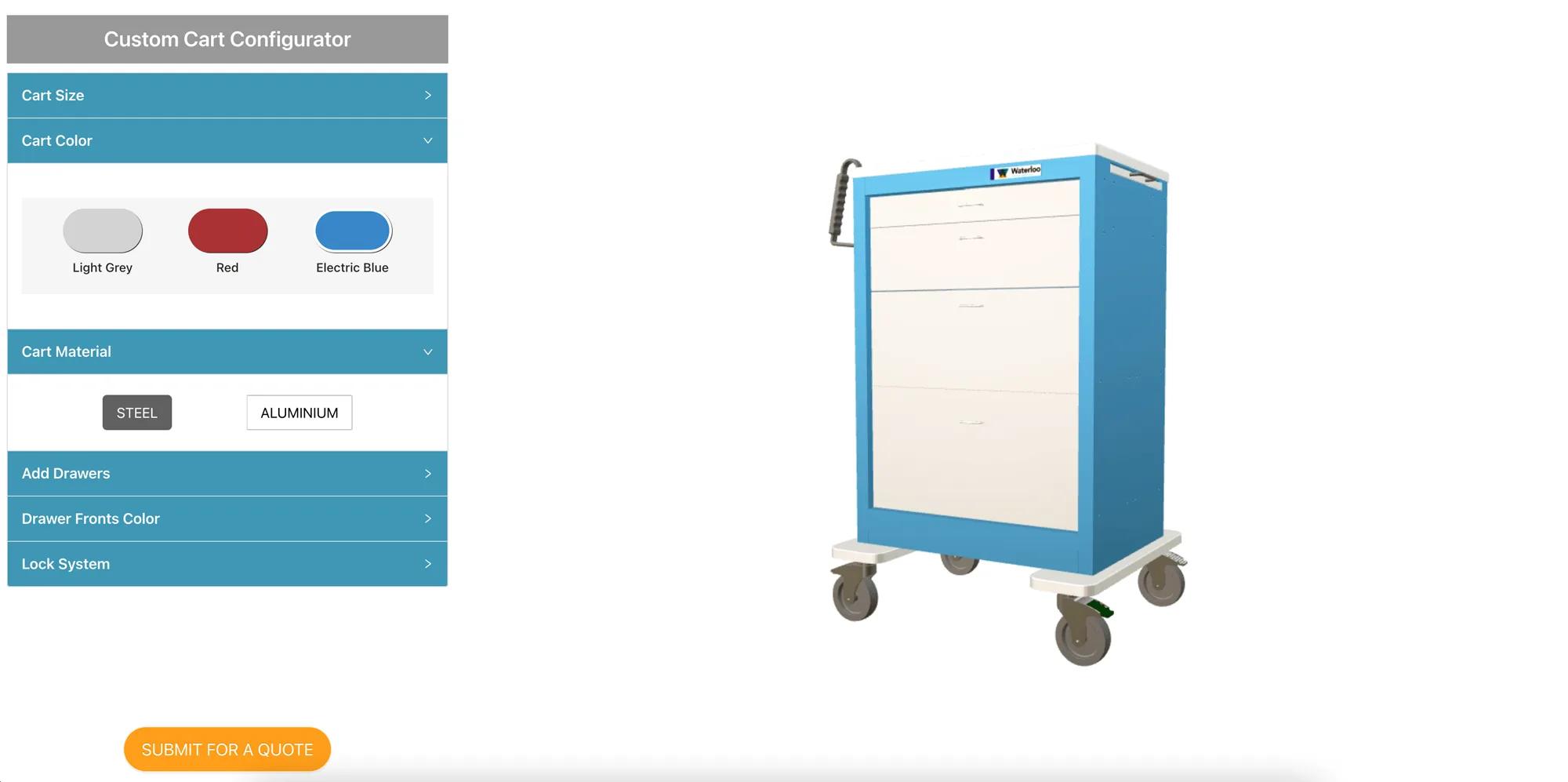
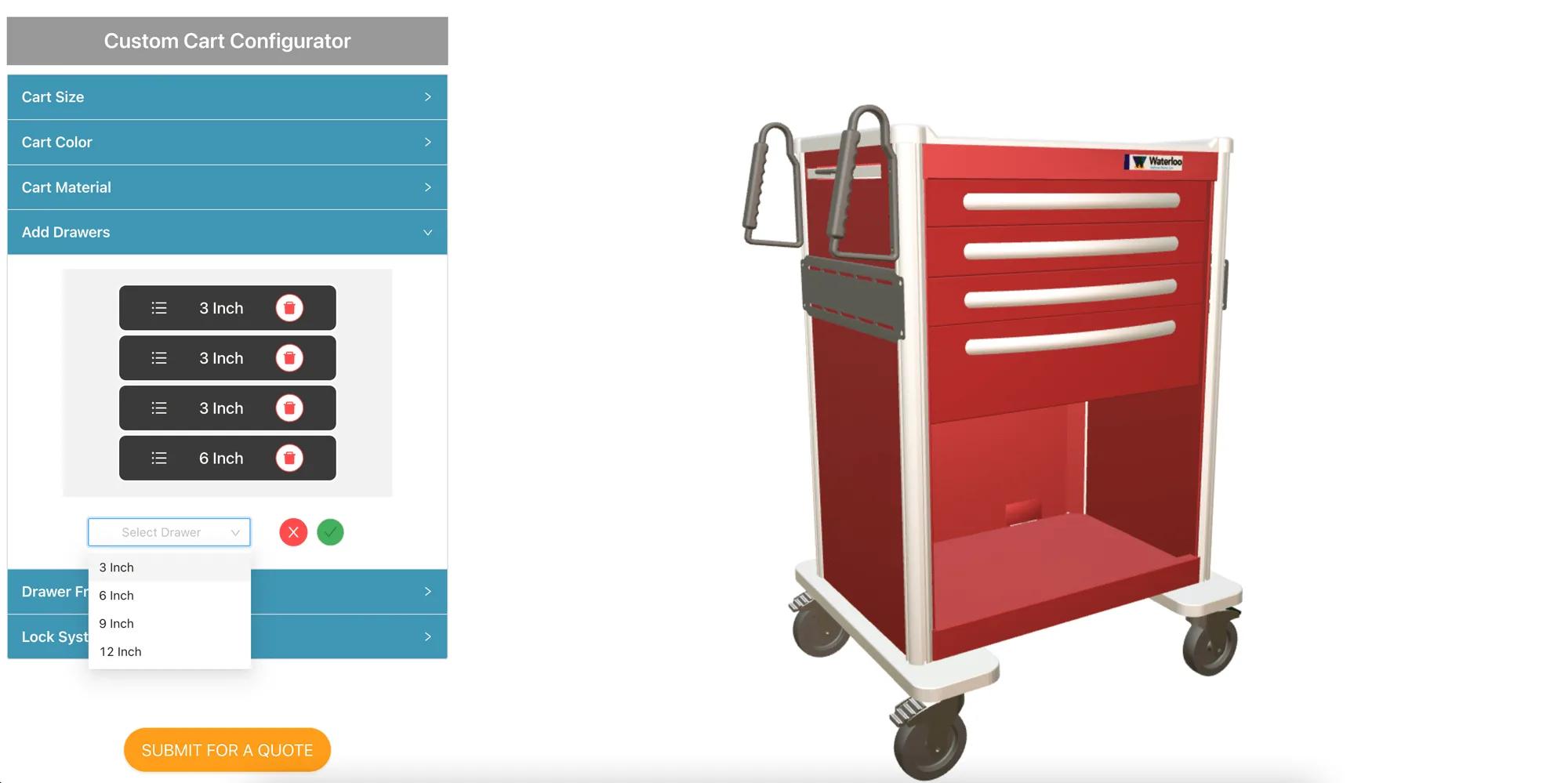
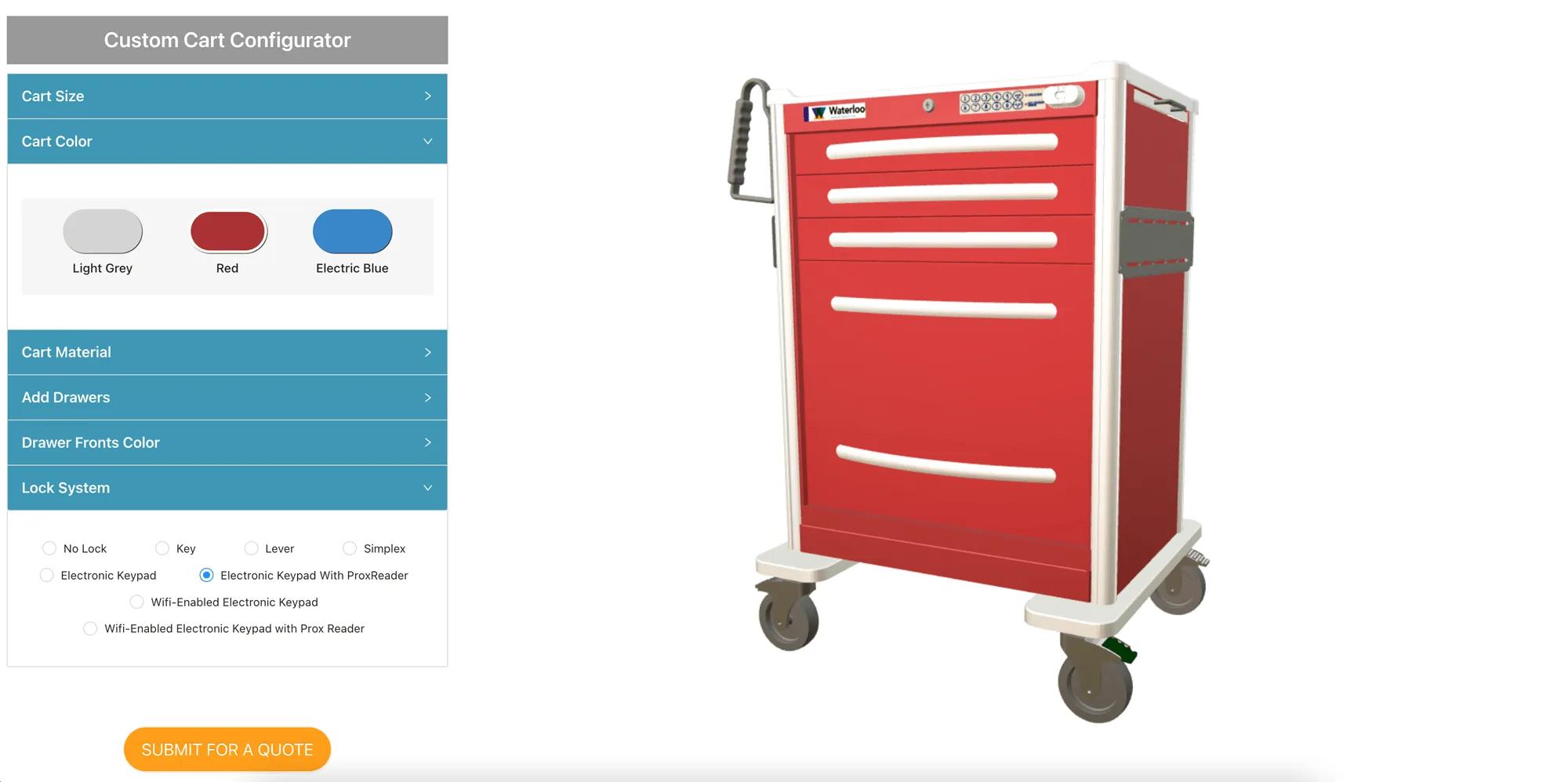
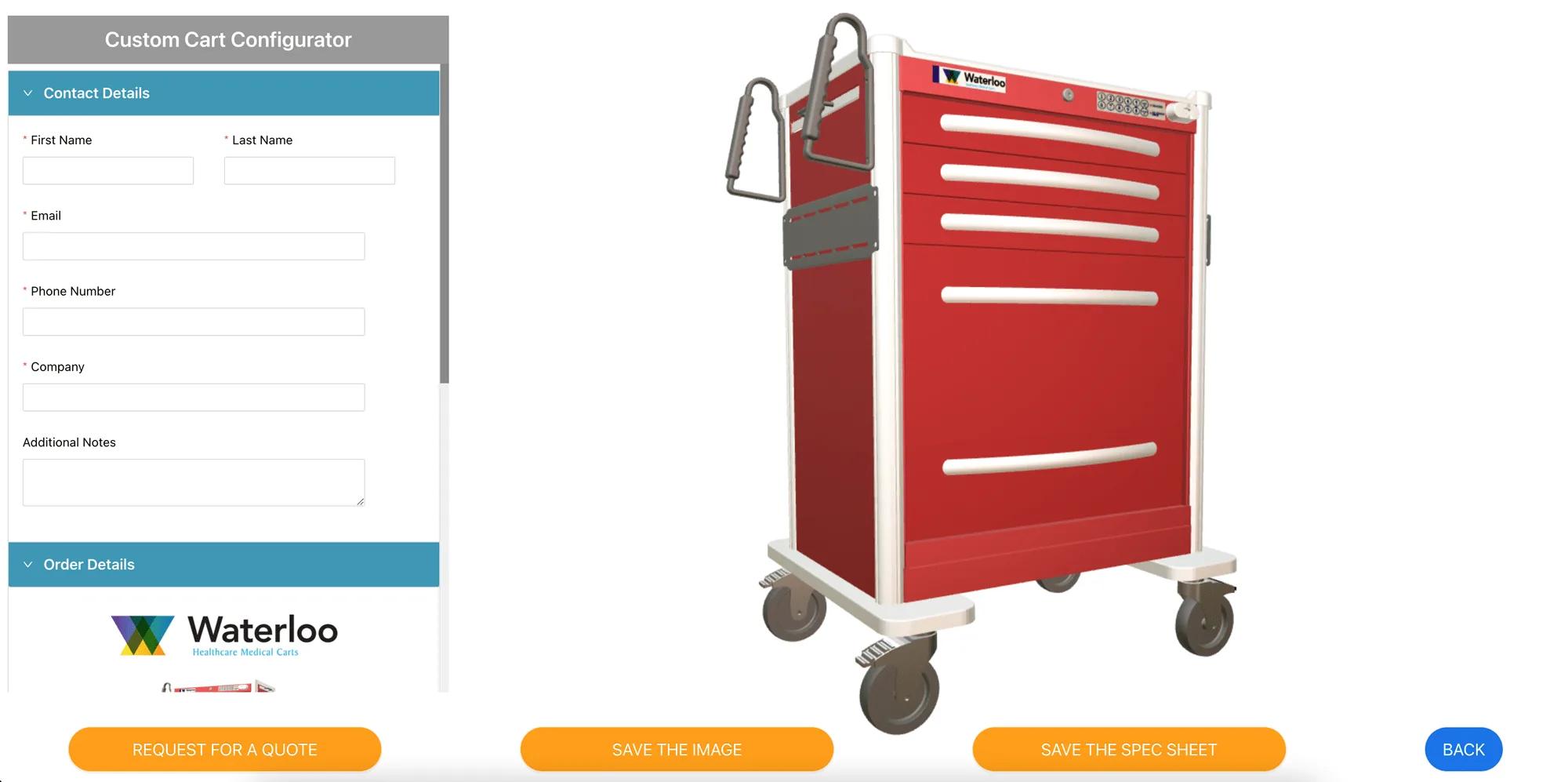
The tool allows customers to virtually create the procedure cart platform they want, save the image, generate a PDF and submit it for a formal quote, all from the website.
Customers can create a preliminary proposal in minutes.
The configurator minimises back-and-forth communication on specification.
Sales staff have a quick tool to work with during enquiries, including an internal version for producing custom renderings.
We got great feedback thanks to this new tool for our customers, because it allows us to send them a complete quote.
This was an early implementation, and much of what was custom then is standard now. Drawer rearrangement of this kind maps onto modular projects, which provide drag-and-drop assembly with snap-point alignment, rotation, mirroring and undo. The advanced modular system is an Enterprise capability. Quote capture is handled by Forms mode, with submissions collected under Requests rather than only arriving by email.
Since then, AI has been added: a configurator can be generated from a product description, an assistant can audit an existing project’s options and logic, and the MCP server lets an agent connect with a scoped token to evaluate logic and calculate pricing under a propose-and-confirm model. None of these were part of the original build.
Rule-heavy products with a formal quoting step are exactly what the CPQ tooling is for.
Bezit een 3D-productconfigurator om verkopen te stimuleren en direct vanuit uw website offertes te genereren
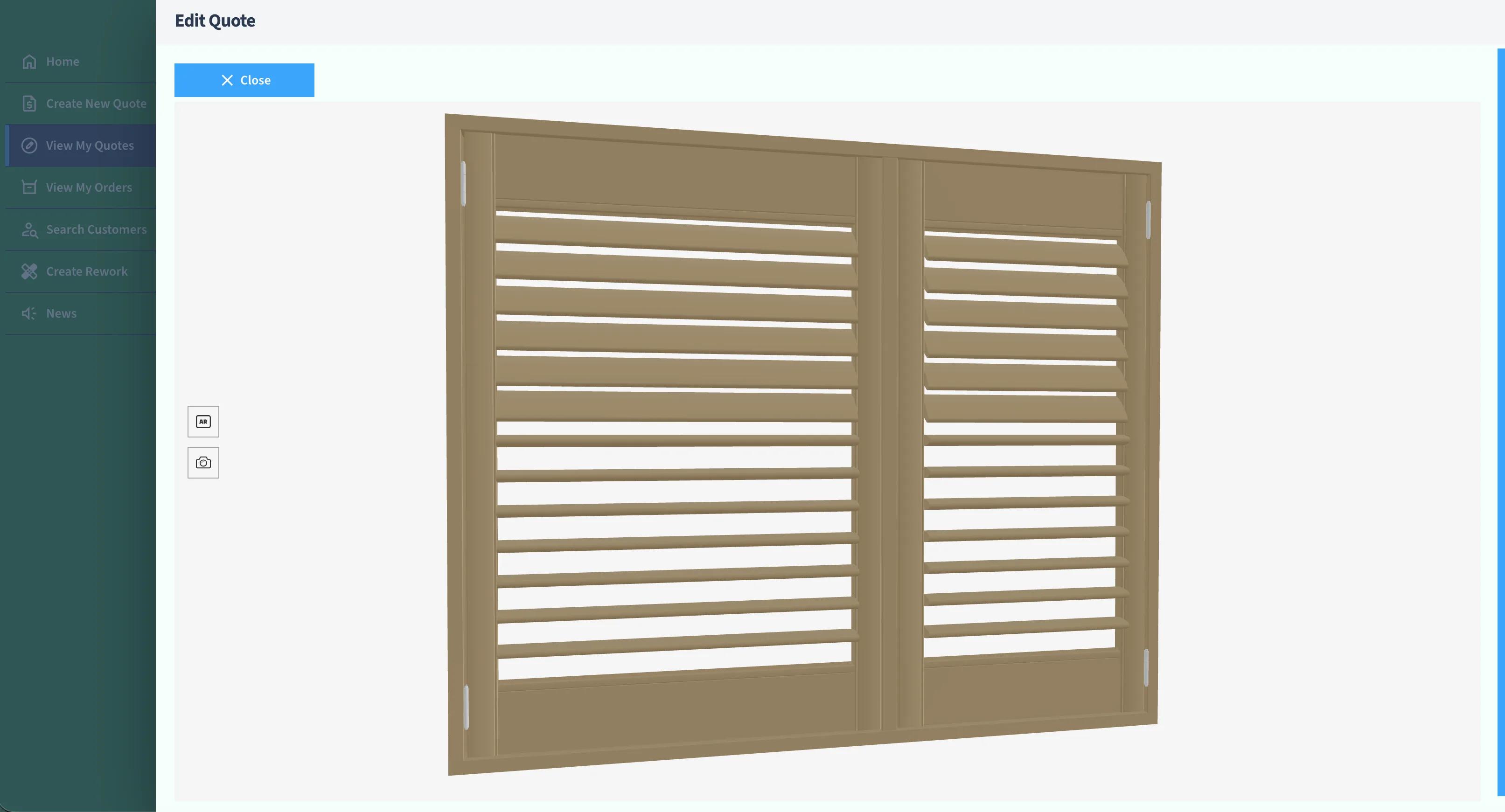
How Evergreen Shutters integrated the Simplio3D API into their internal quoting system to return an accurate 3D shutter view with every custom quote.
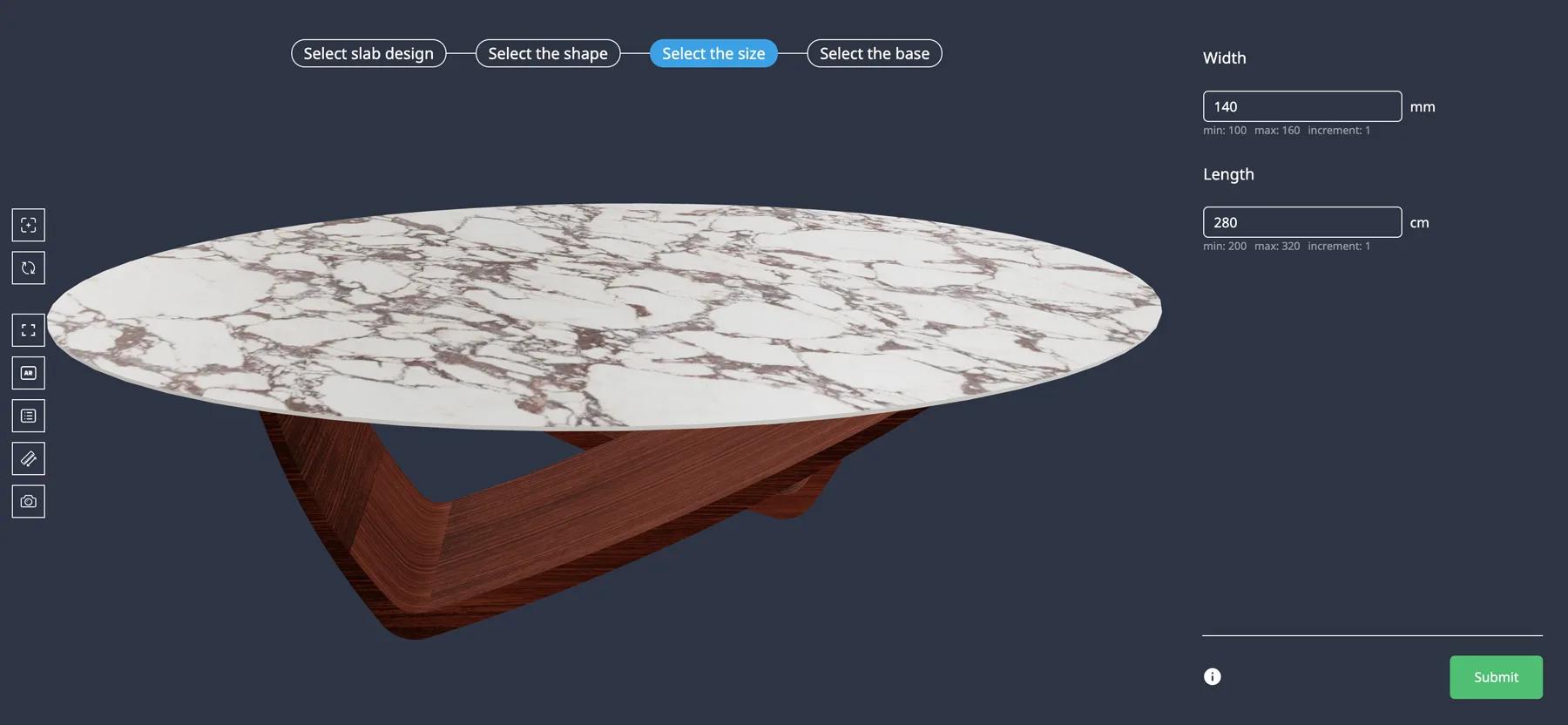
How Iberica Stone launched a 3D stone table configurator with slab, shape, dimension and leg options, built-in AR and quote requests on the Starter plan.