

T
Tutorials
Step-by-step guides to help you create stunning 3D product configurators, set up materials, manage assets, integrate with e-commerce platforms, and more.
TutorialsDocumentation
Here you will find all the information you need to properly build your 3D product configurators.
Tutorials for building in the editor; API and SDK for building headlessly.
Step-by-step guides to help you create stunning 3D product configurators, set up materials, manage assets, integrate with e-commerce platforms, and more.
TutorialsBuild powerful headless 3D CPQ applications with the Simplio RESTful API. Full control over option blocks, conditional logic, pricing, contact forms, 3D viewer, animations, and more.
API ReferenceThe official TypeScript SDK for the Simplio 3D CPQ platform. Full headless support for option blocks, conditional logic, pricing formulas, contact forms, 3D viewer, animations, and more.
SDK ReferenceThe documentation is organised by what you are doing, not by feature name.
| Section | Covers |
|---|---|
| Assets | Uploading 3D models, textures and graphics; replacing a model with a new version while keeping the configuration built on it |
| Materials | Creating PBR materials, the shared material library, applying textures with correct UV orientation, and bulk-adding by category |
| Projects | Project types, the editor interface, objects and options modes, conditional logic, pricing, forms, settings, sharing and AR |
| AI | Building a configurator with AI, the assistant and agent workflows, and managing multi-step AI jobs |
| Integrations | WooCommerce, Shopify, the REST API and TypeScript SDK, MCP connections, mobile and native apps, and custom UI builds |
| Requests and account | Reviewing quote and form submissions, the trial and billing, and managing team members |
If your storefront is custom, these are the pieces that matter.
An API token in the X-API-Key header covers option blocks, pricing, quote submissions and webhooks. An access token as a Bearer credential opens the full surface. Keep both server-side.
@simplio3d/sdk is a typed client for the same REST API. It manages project data headlessly — it does not render a configurator, and there is no viewer or 3D canvas in it.
The 3D still comes from a published share URL, or from a custom interface built on the viewer package.
The MCP server exposes 115 tools — 51 read-only and 61 controlled-write — over OAuth 2.1 or scoped bearer tokens, with a propose, confirm and snapshot write model.
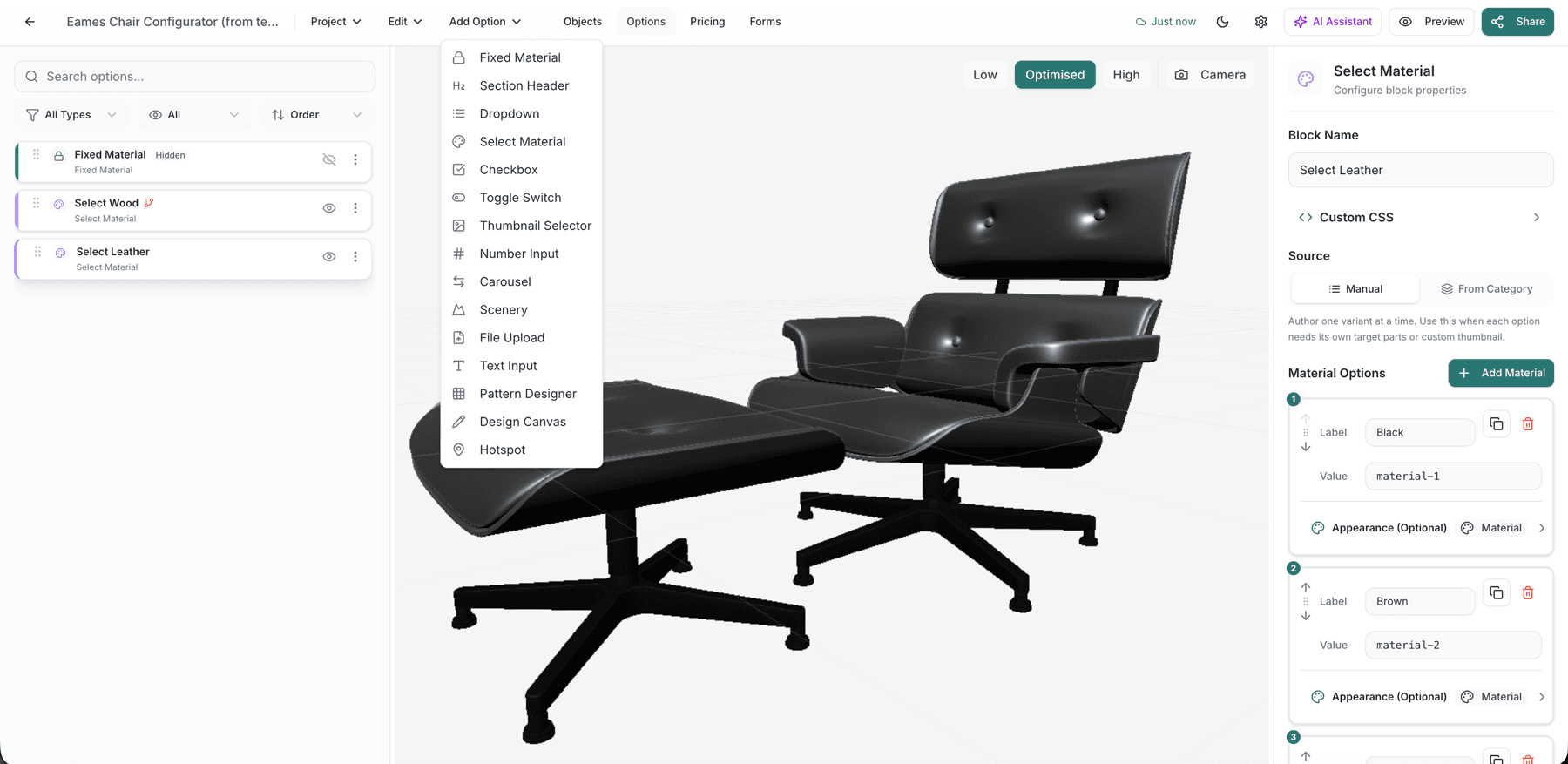
The platform is built on one idea: options, rules and prices are all blocks with attributes, assembled visually rather than written as code. Sixteen option block types cover how customers interact, and six price block types combine in a token-based formula editor. That architecture is why a second product is assembly rather than a new development project.
Own a 3D product configurator to drive sales and generate proposals directly from your website