

Help Center
Providing users with guidance on how to use the 3D product configurator effectively
Visit the Help CenterEverything you need to master 3D product configuration
Providing users with guidance on how to use the 3D product configurator effectively
Visit the Help CenterDocumentation and API references to help developers integrate and customize the 3D product configurator
Documentation and APIStay informed with the latest trends, new features, and expert tips to enhance your configurator experience
Read our blogThe shortest path from an account to a configurator embedded on your site.
Every account begins with a 30-day Pro trial. Create a project and choose its type — Viewer for presenting a product, Configurator for options and pricing, Modular for drag-and-drop assembly. The type is fixed once created.
GLB, GLTF, FBX, OBJ, STL, DAE or a ZIP archive. Preparing the model properly — separated parts, square UVs on any zone that takes artwork — saves more time than anything else you can do.
Create PBR materials or start from library recipes, then assemble the controls customers will use from the sixteen option block types.
Rules come first: decide which combinations are impossible before you price anything, because the price only means something if the configuration is buildable. Then set the base price, price groups and any formulas that depend on dimensions.
Enable the share link, copy the iframe snippet and place it on your site — or send configured products to a WooCommerce or Shopify cart.
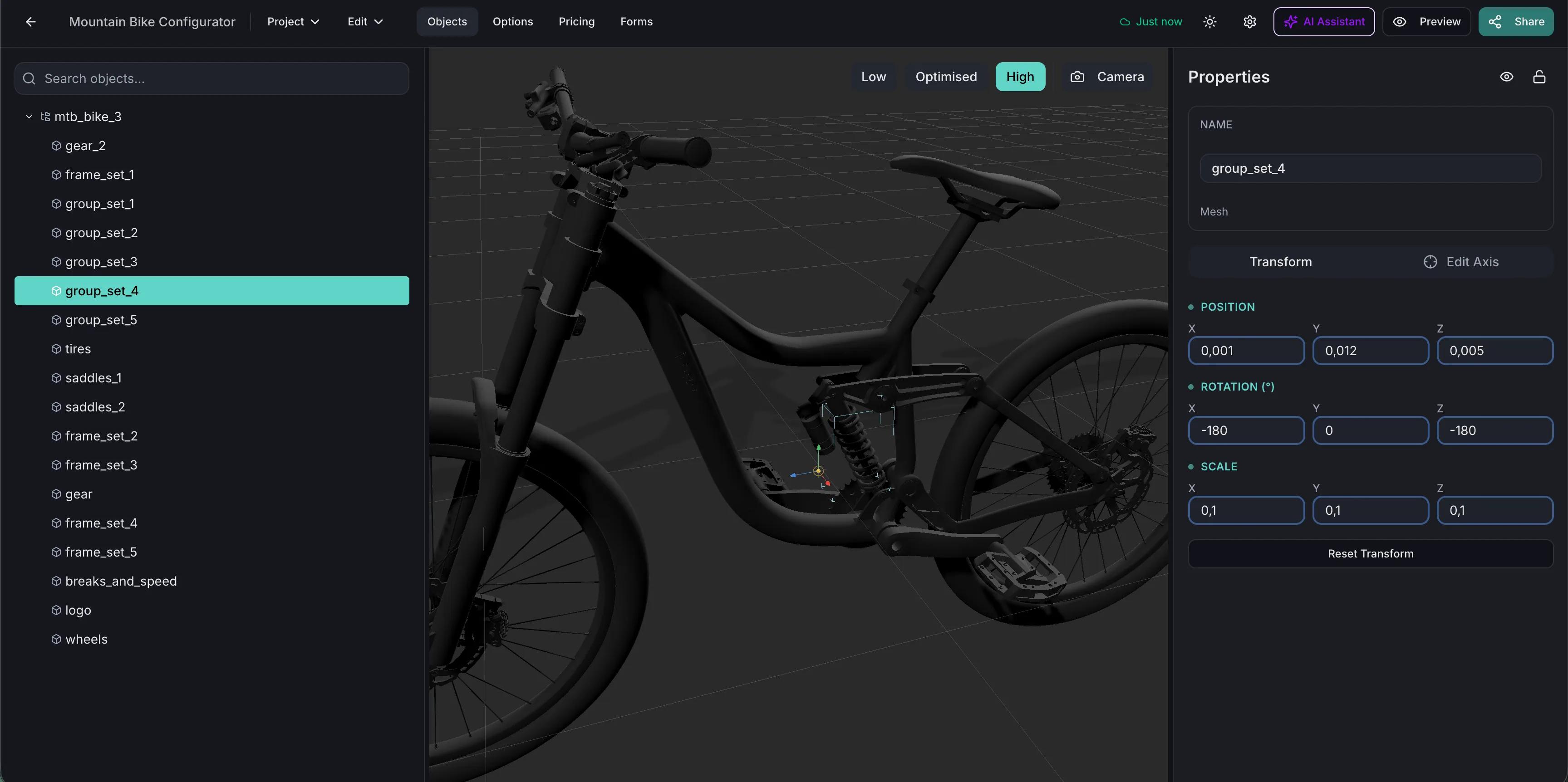
Everything the platform can do is written up in the tutorials — assets and model versioning, materials, the sixteen option block types, conditional logic, the six pricing blocks and the formula editor, forms, AR, sharing, and every integration. When this site and the documentation disagree, the documentation is right. It is also where the API, SDK and MCP references live.
The tutorials, in the order above: project types, then uploading a model, then materials and options, then logic and pricing, then publishing. Building one real product end to end teaches more than reading all of it.
Yes — a REST API reference and a TypeScript SDK reference, both under the documentation. The SDK is a headless client for project data; it does not render a configurator.
Yes. Simplio3D exposes an MCP server so an assistant such as Claude can connect with a scoped token and inspect real projects — auditing a configurator, evaluating conditional logic or calculating pricing. Writes follow a propose, confirm and snapshot model.
Use the Help Center to submit a ticket. Anything specific to a project you have already built is faster through support than through the general documentation.
Own a 3D product configurator to drive sales and generate proposals directly from your website