

Dimensions
Width, height and depth entered by the customer, with the model and the price following the numbers.
Door Configurator Software
Let customers size a door, pick the style, frame, glazing and handles, and watch the price update as they choose — for residential and commercial ranges alike.
No credit card required
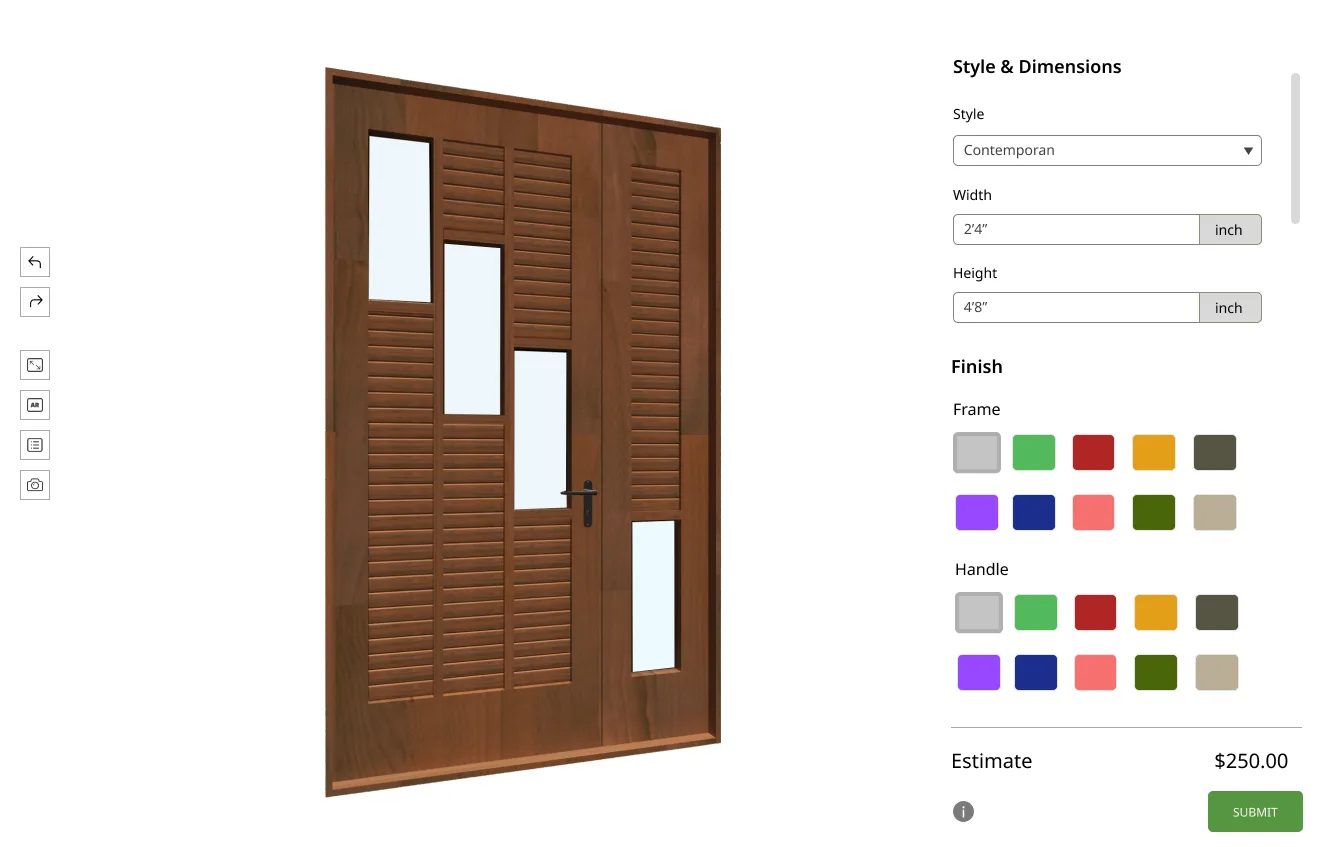
Width, height and depth entered by the customer, with the model and the price following the numbers.
Panel layouts and door styles switched on the model so the difference is visible rather than described.
Frame profile, material and threshold options presented as priced choices.
Paint colours, woodgrain foils and finishes applied as real materials on both faces.
Glazed panels, obscure glass and sidelights added as options with the effect shown immediately.
Handle styles, hinges, letterplates and finishes selected and rendered in place.
See how users score Simplio3D across the major software review platforms.

4.6/5

4.3/5

9.5/10
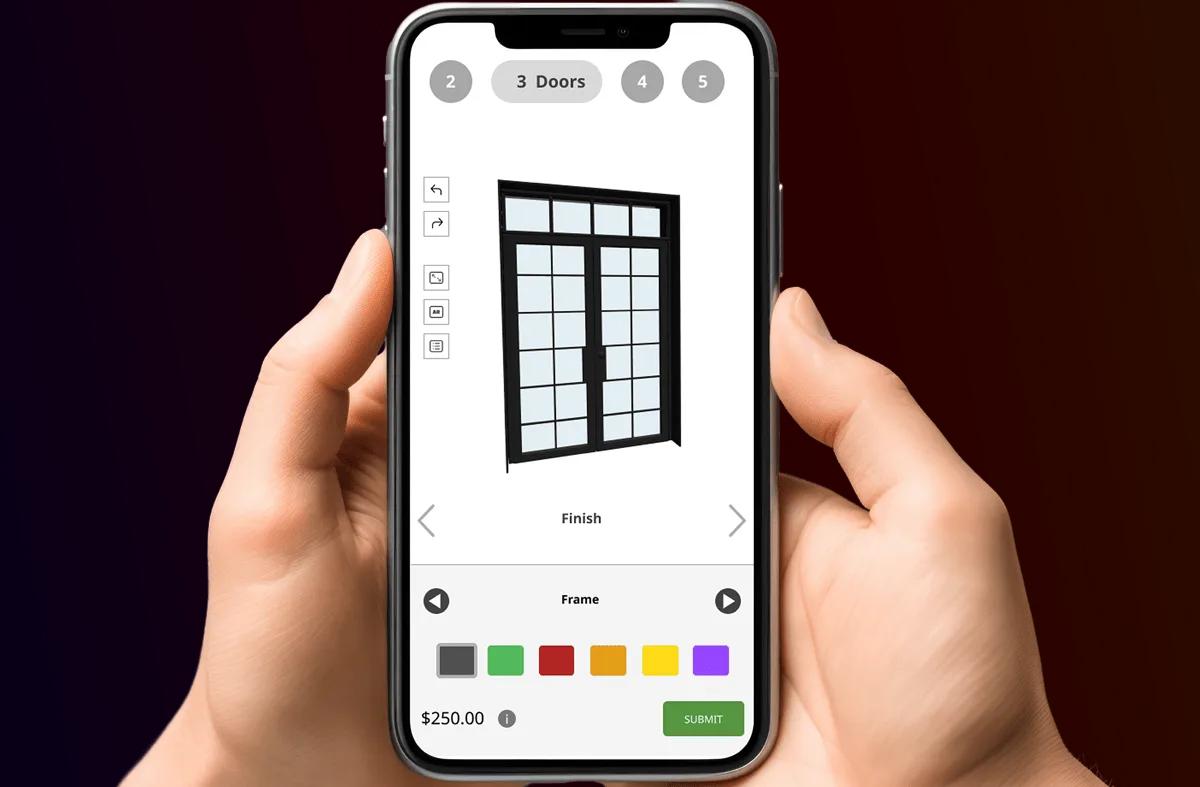
A door range is a matrix: sizes, styles, frames, glazing options, colours inside and out, and hardware. The number of real combinations runs well past what any catalogue can show, so customers end up choosing from a handful of photos and hoping. A configurator lets them assemble the exact door and see it before they order — which is the difference between a confident purchase and a hesitant enquiry.
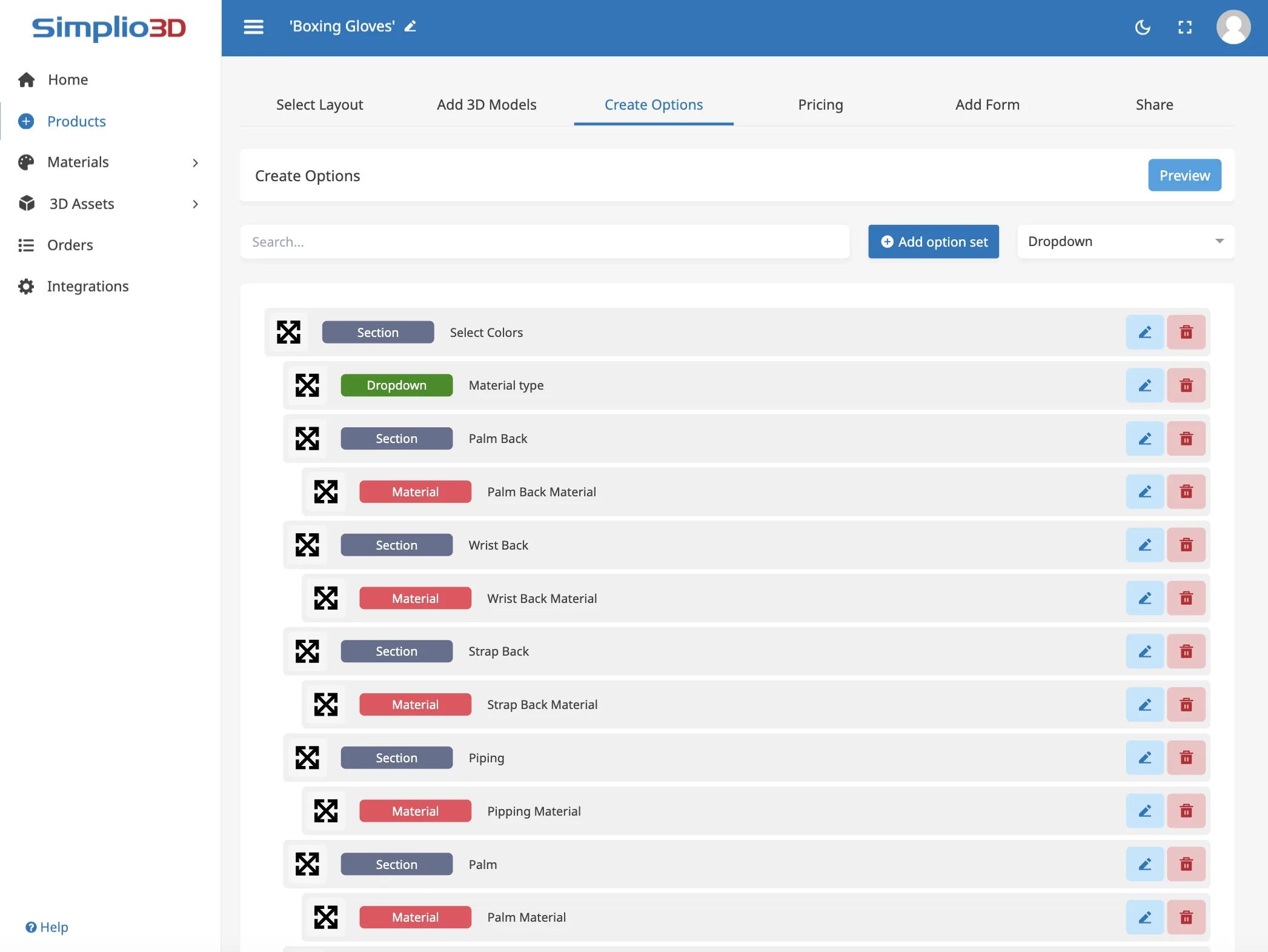
Residential buyers care about appearance and finish; commercial buyers care about specification, fire ratings and hardware schedules. Both are configuration problems, and both benefit from a price that moves as choices are made. Conditional logic keeps the two ranges honest — commercial-only hardware stays out of the residential flow, and options that do not apply to a chosen size or frame never appear.
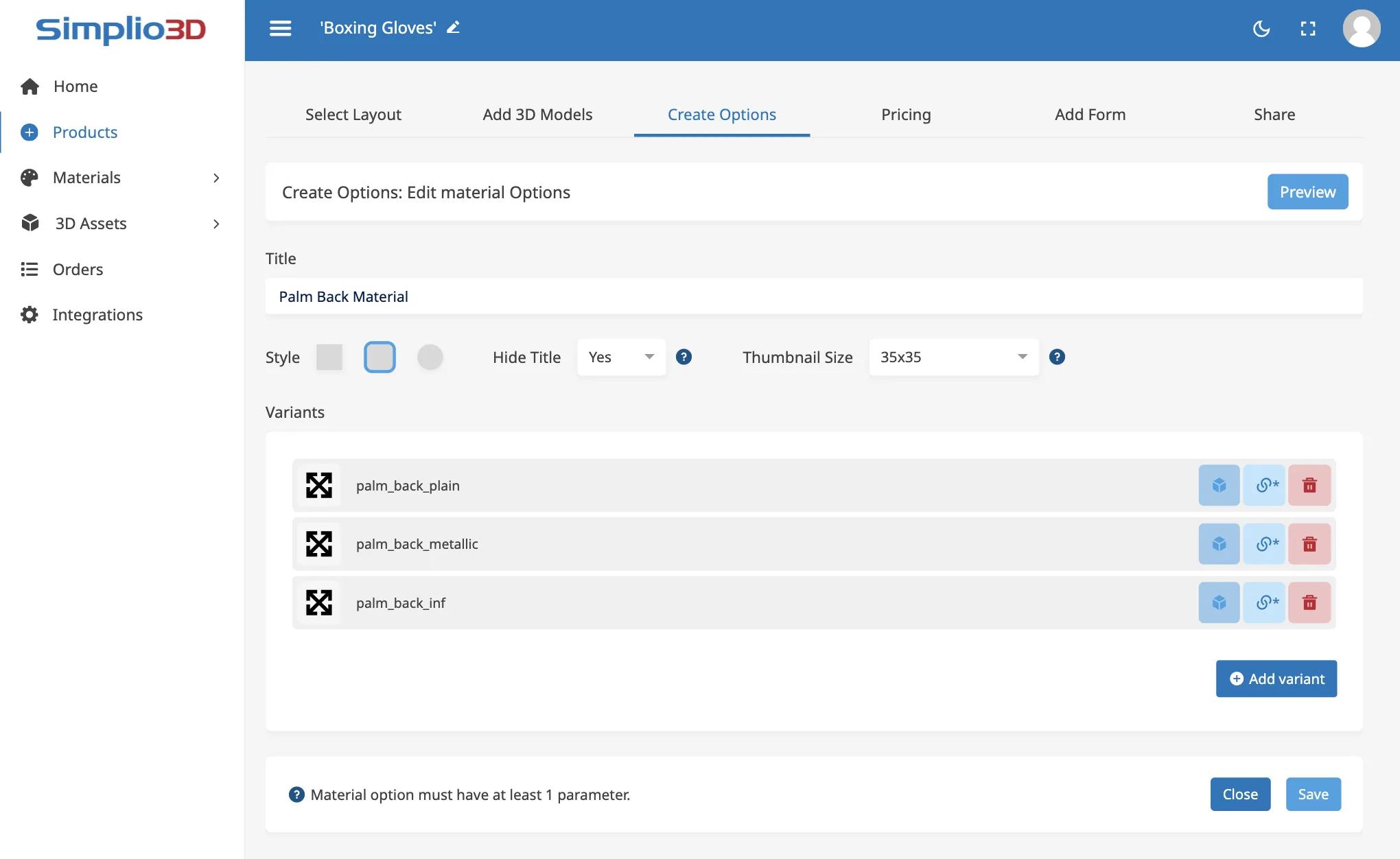
A door configurator carries a lot of logic: options that only apply above a certain size, combinations that cannot be manufactured, prices that move with dimensions. Getting that right by hand is slow, and checking it is slower. Simplio3D can generate a working configurator from a product description to give you a starting point, and its AI assistant can audit an existing project — reviewing option coverage and conditional logic instead of leaving you to click every combination. For larger catalogues, the MCP server lets an assistant connect with a scoped token and evaluate logic or calculate prices directly, proposing changes rather than applying them silently.
From a model of your door system to a configurator embedded on your site.
Import the door model with the leaf, frame, glazing, panels and hardware as separate parts so each can be controlled independently.
Add dimension inputs for width and height, dropdowns for style and frame, swatches for colour and woodgrain, and options for glazing and hardware.
Restrict glazing, hardware and frame options by the door size and style already chosen — and keep commercial-only ironmongery out of the residential flow.
Price from the leaf size, then add glazing, frame, finish and hardware as options. Price tables handle the size bands most door ranges are sold in.
Publish and embed it on your door range page, or give branches a share link to use at the counter.
The team at Simplio3D is very easy to work with, great problem solvers and very budget sensitive.

The execution of ideas on paper to a finished, functional application couldn't have been done any better.

Simplio3D have significantly enhanced our product presentations, providing a unique and interactive experience for our clients.

Versatile, easy to use and easy to deploy 3D Configurator. Super simple to use and create configurations on.

I have used other similar platforms and find Simplio3D the most intuitive way to build a configurator. I'm not a CAD engineer so I wanted a solution without features I couldn't understand.

It was so simple to get started, and the results have been very impressive. We now have it live on four different platforms.

Yes. Width, height and depth can be exposed as dimension inputs bounded by the minimums, maximums and steps you manufacture to.
Yes, provided the model separates the two faces. Each can carry its own material option, which is how dual-colour doors are usually sold.
Yes. Base prices, price tables and formulas all feed a running total that changes as the customer configures.
Yes. Either build one project with conditional logic separating the ranges, or publish a configurator per range and share materials between them.
A quote form captures the complete configuration and the customer details, and submissions appear under Requests in your dashboard.
Publishing generates a share link and an iframe snippet that works on any site or CMS, with optional restrictions on which domains may embed it.
The same approach applies to windows: dimensions, frame material, glazing specification, colour and hardware, all priced as the customer configures.
Own a 3D product configurator to drive sales and generate proposals directly from your website


